Fastest Way to Delete Node Modules Like a Pro 😎
2 min read
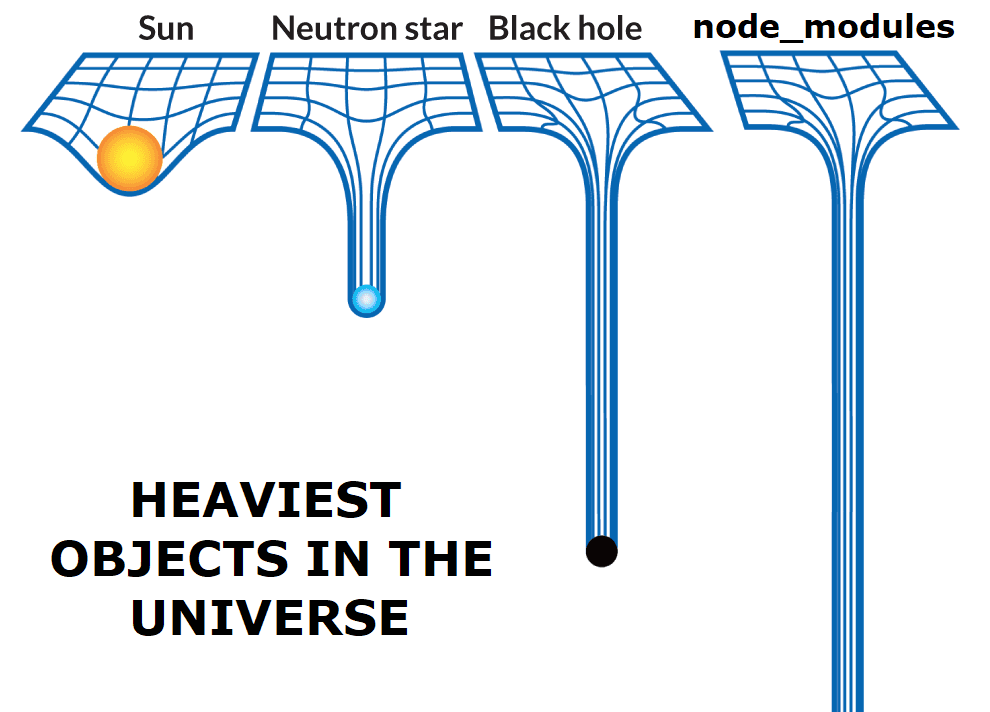
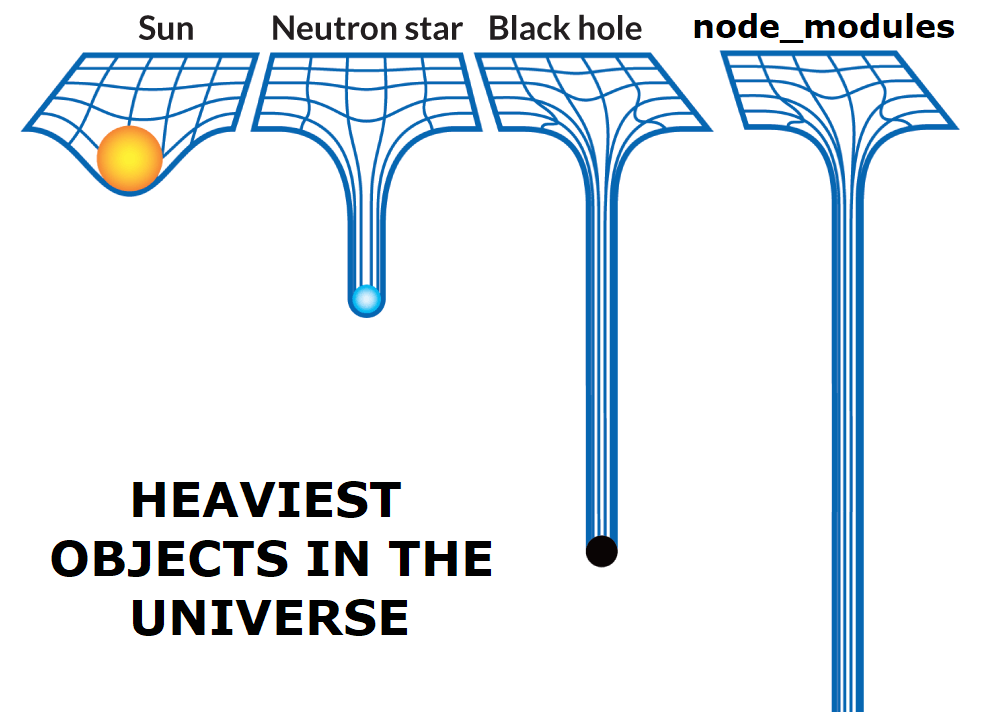
Do you think is Black Hole or a Neutron Star is the heaviest object in the universe? No, you are wrong. It's the Node Modules 😂. And when it comes to deleting them, It's the real pain 😢. But don't worry, I have a solution for you.
Method 1: Using npkill
npkill is a tool that helps you to find and remove node_modules folders from your computer. It works with macOS, Linux, and Windows.
- Install npkill globally using npm.
npm install -g npkill- Go to the folder where you want to delete the node_modules folder and run npkill in your terminal.
npkill- Select the folders you want to delete and press enter.
- Move between the listed folders with ↓ ↑, and use Space to confirm the deletion.
- Done! 🎉
- You can also use
npkillwithnpxwithout installing it globally.
npx npkillMethod 2: Using rimraf
rimraf is a Node.js module that is used to delete files and folders. It is a cross-platform tool that runs on Windows, Linux, and macOS.
- Install rimraf globally using npm.
npm install -g rimraf- Go to the folder where you want to delete the node_modules folder and run npkill in your terminal.
rimraf node_modules- Done! 🎉
- You can also use
rimrafwithnpxwithout installing it globally.
npx rimraf node_modules